
KidPad
Have Fun and Learn
A little world of big, colourful pretend apps for your child to explore. Completely safe — no ads, no accounts and no way onto the internet.
For iPhone, iPad & Android · Ages 2–6
Nine things to play with
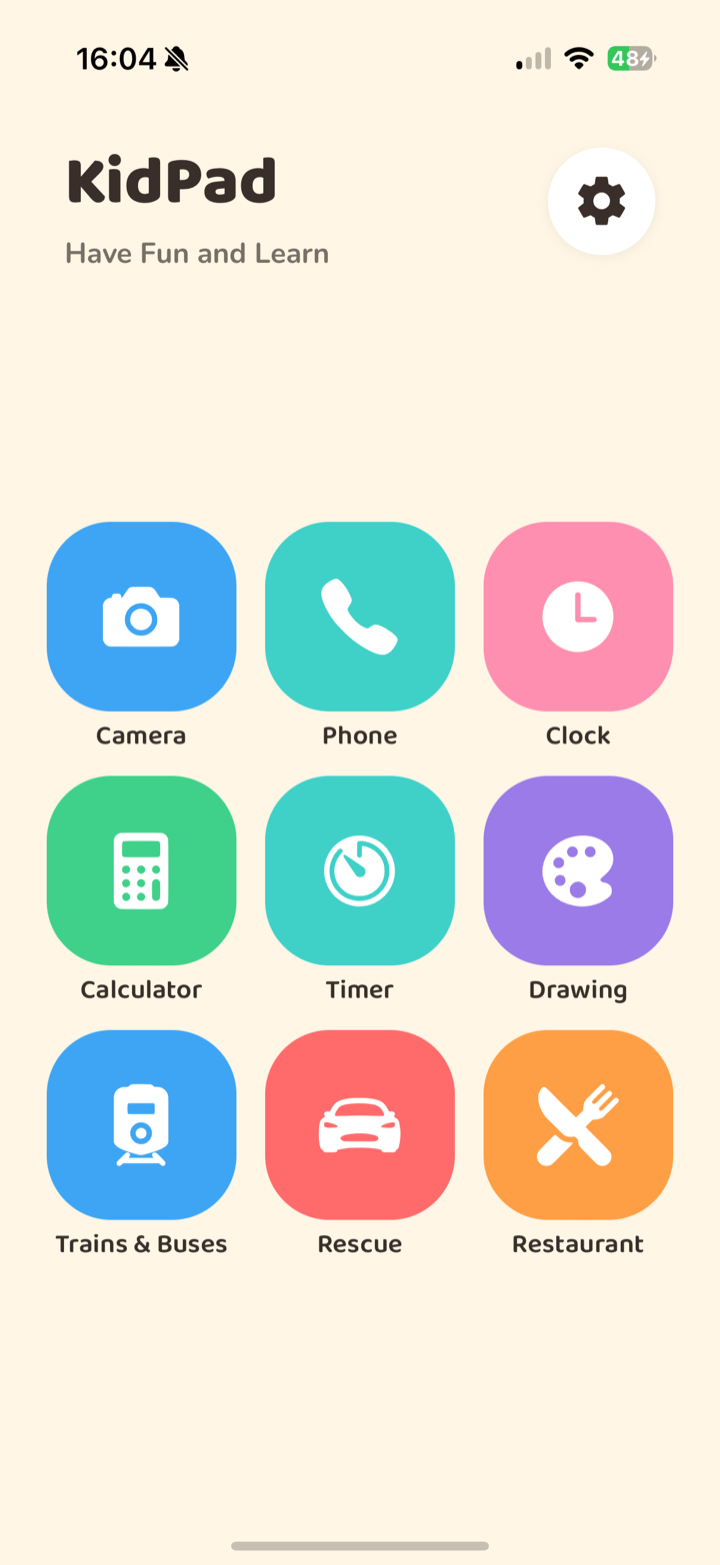
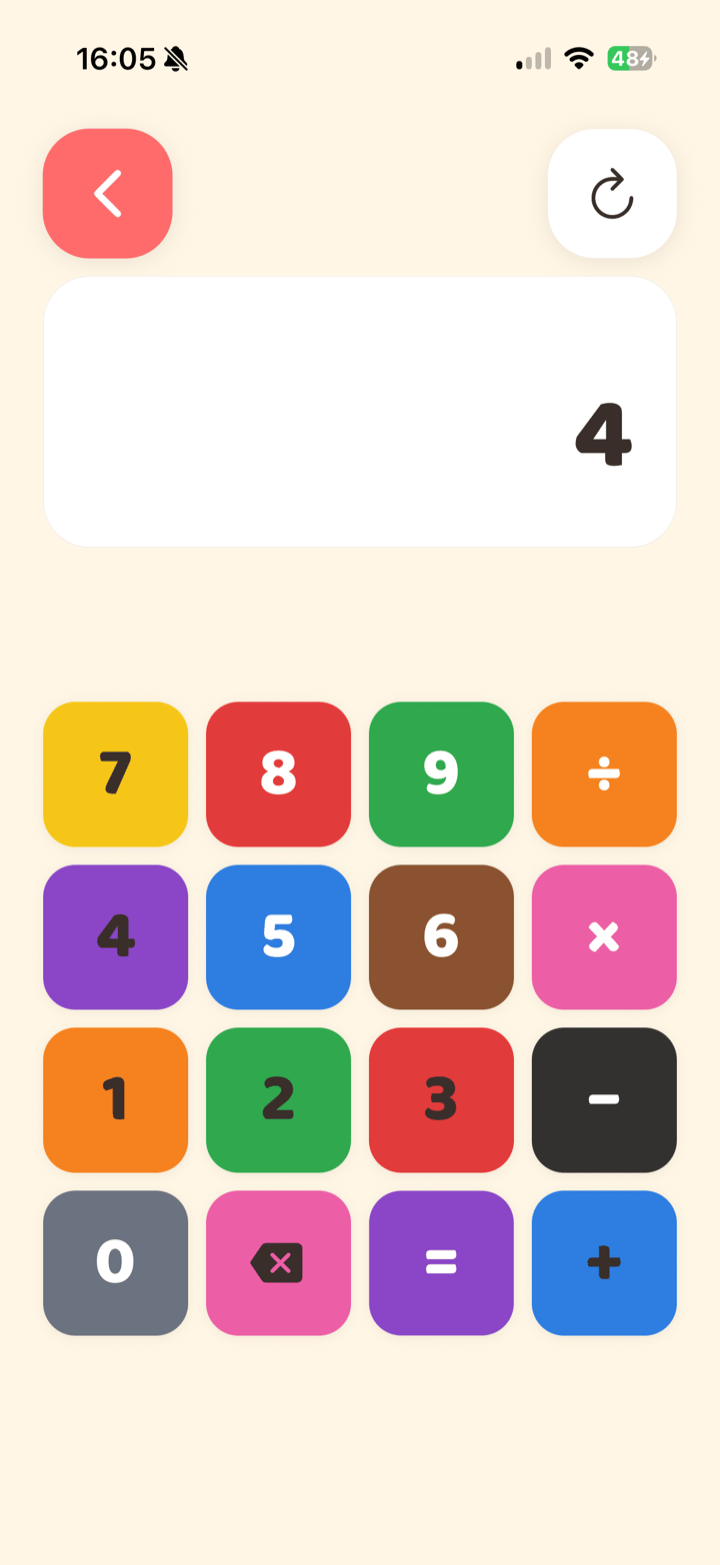
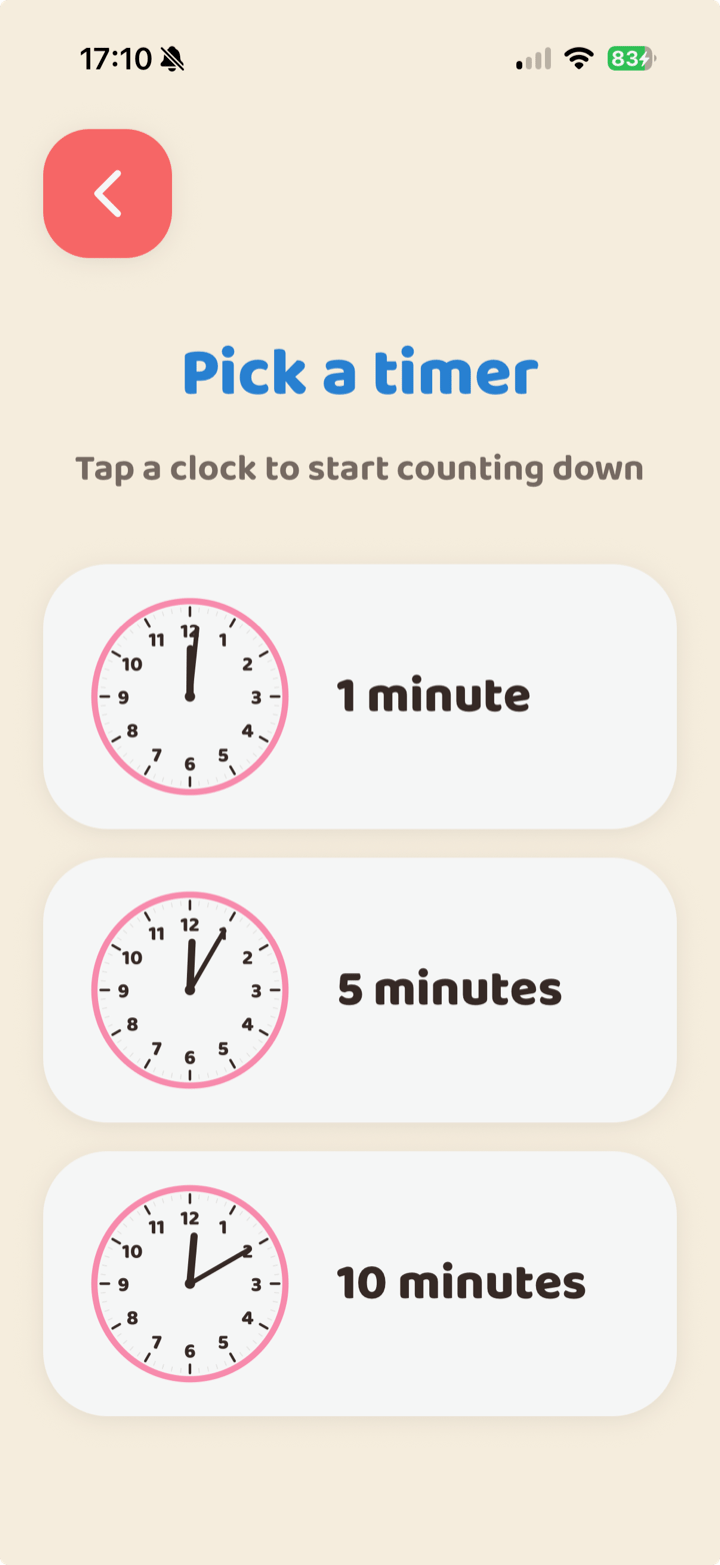
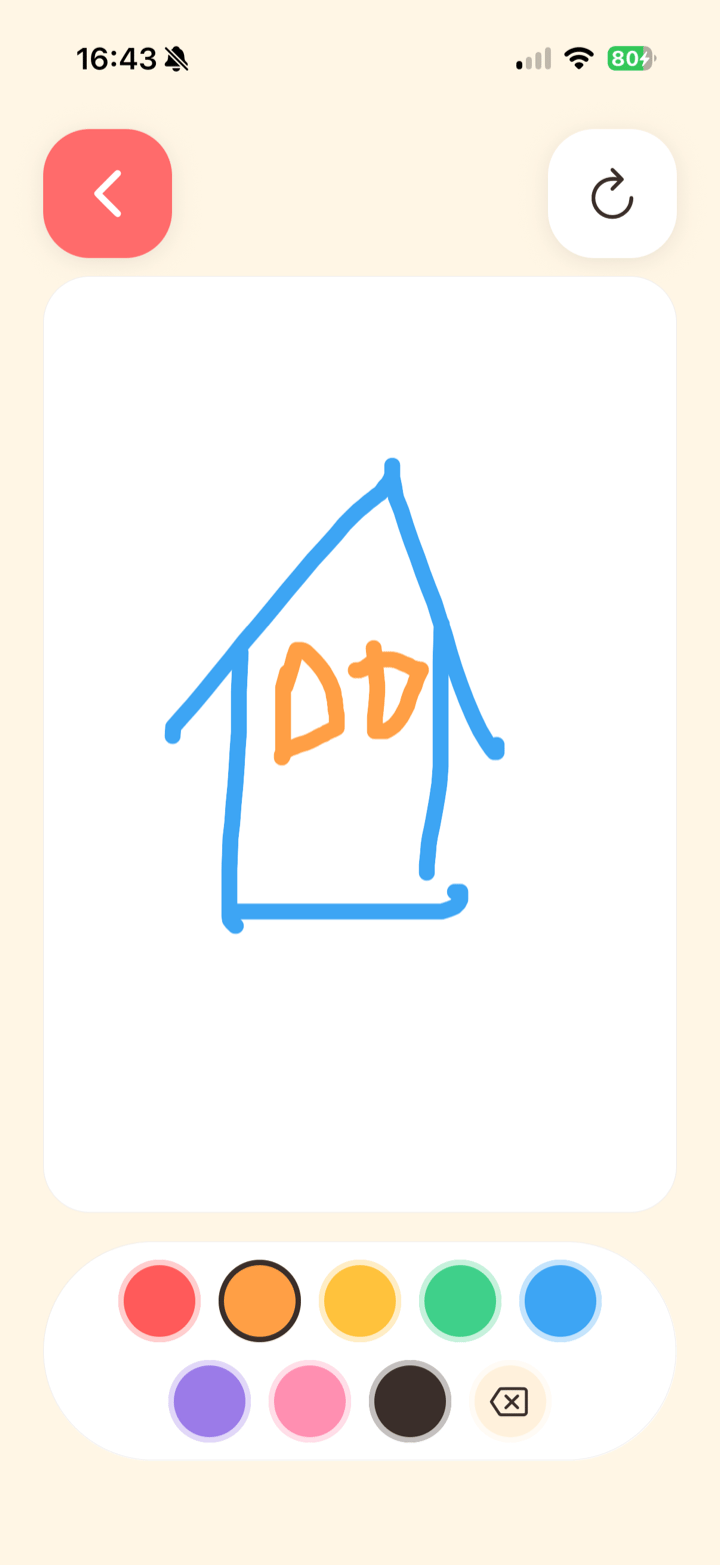
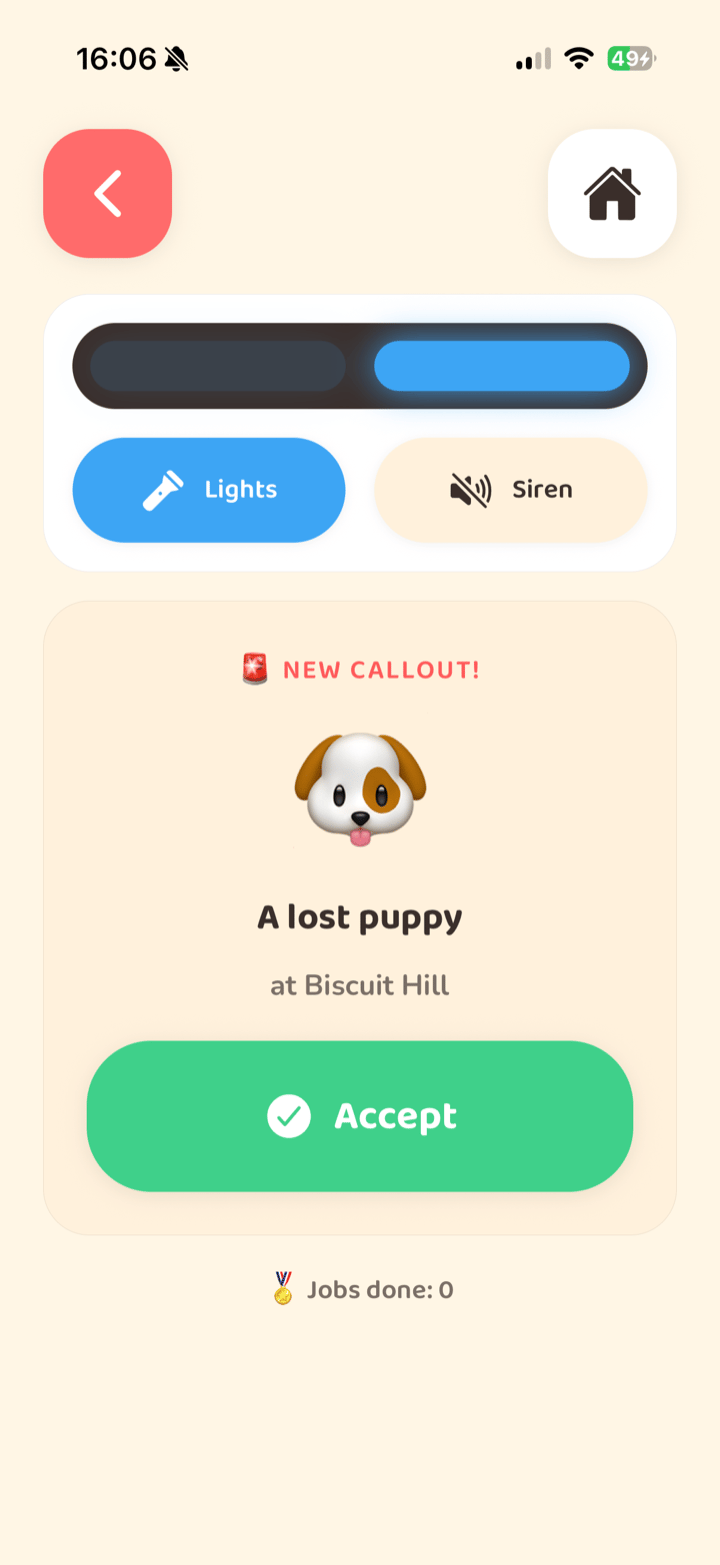
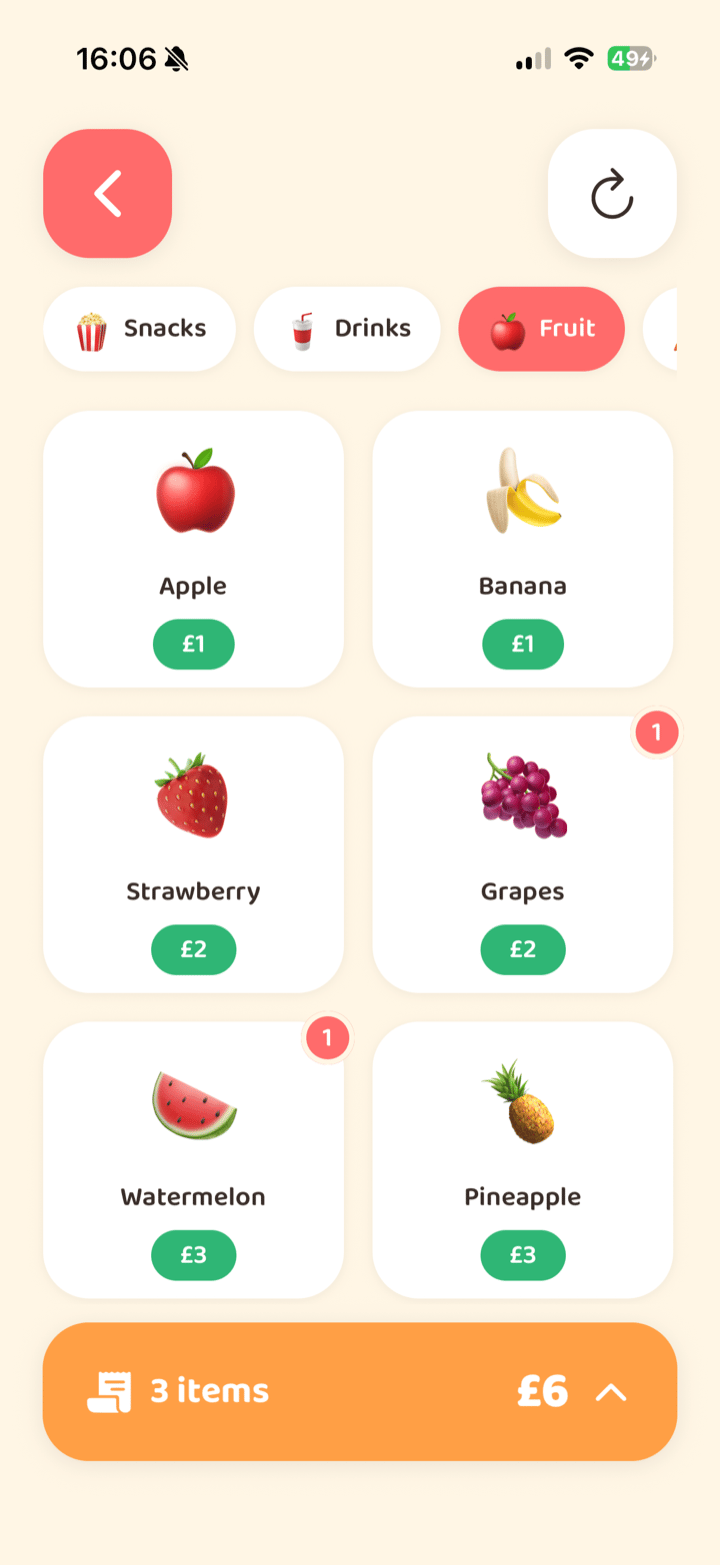
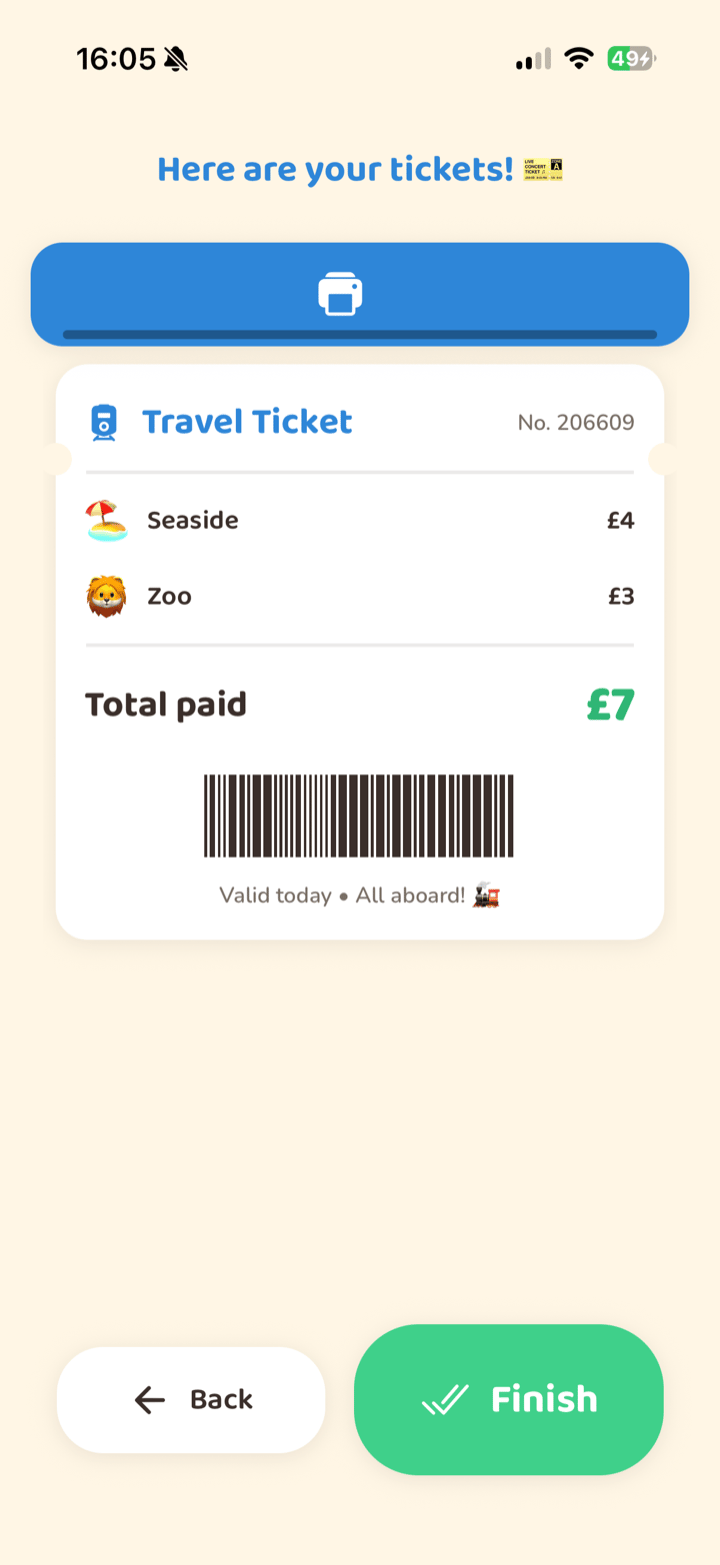
Each icon opens a self-contained activity — pretend play that quietly teaches along the way.
- Drawing
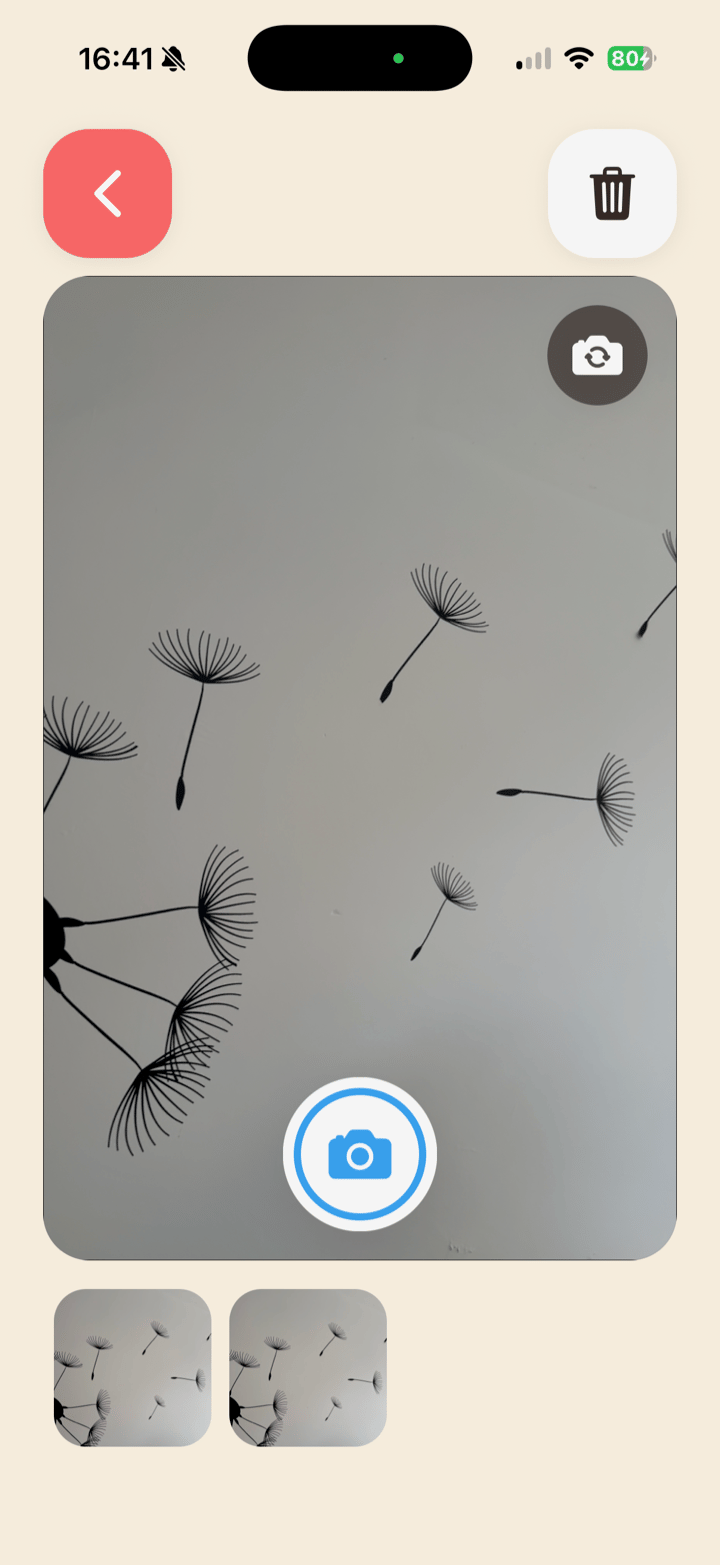
- Camera
- Restaurant
- Trains & Buses
- Rescue
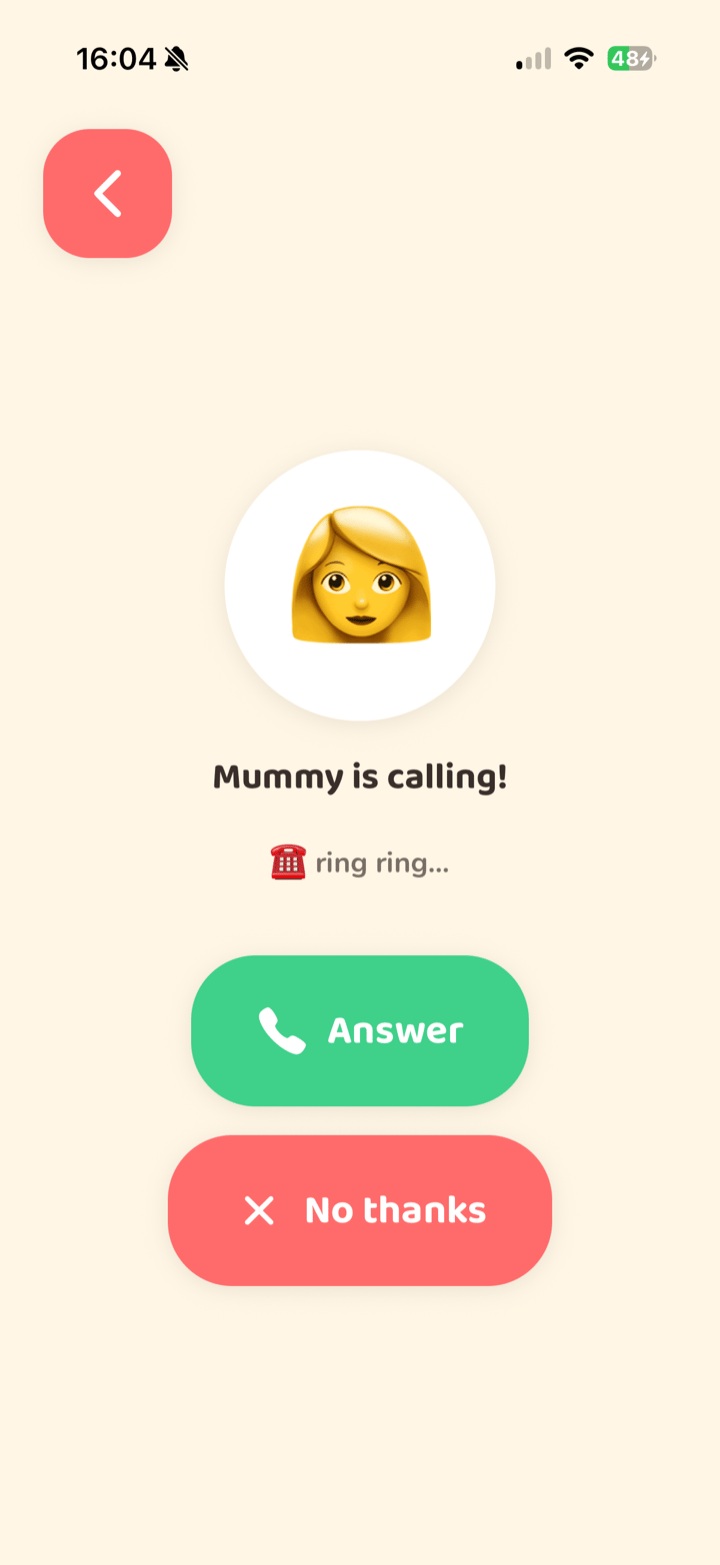
- Phone
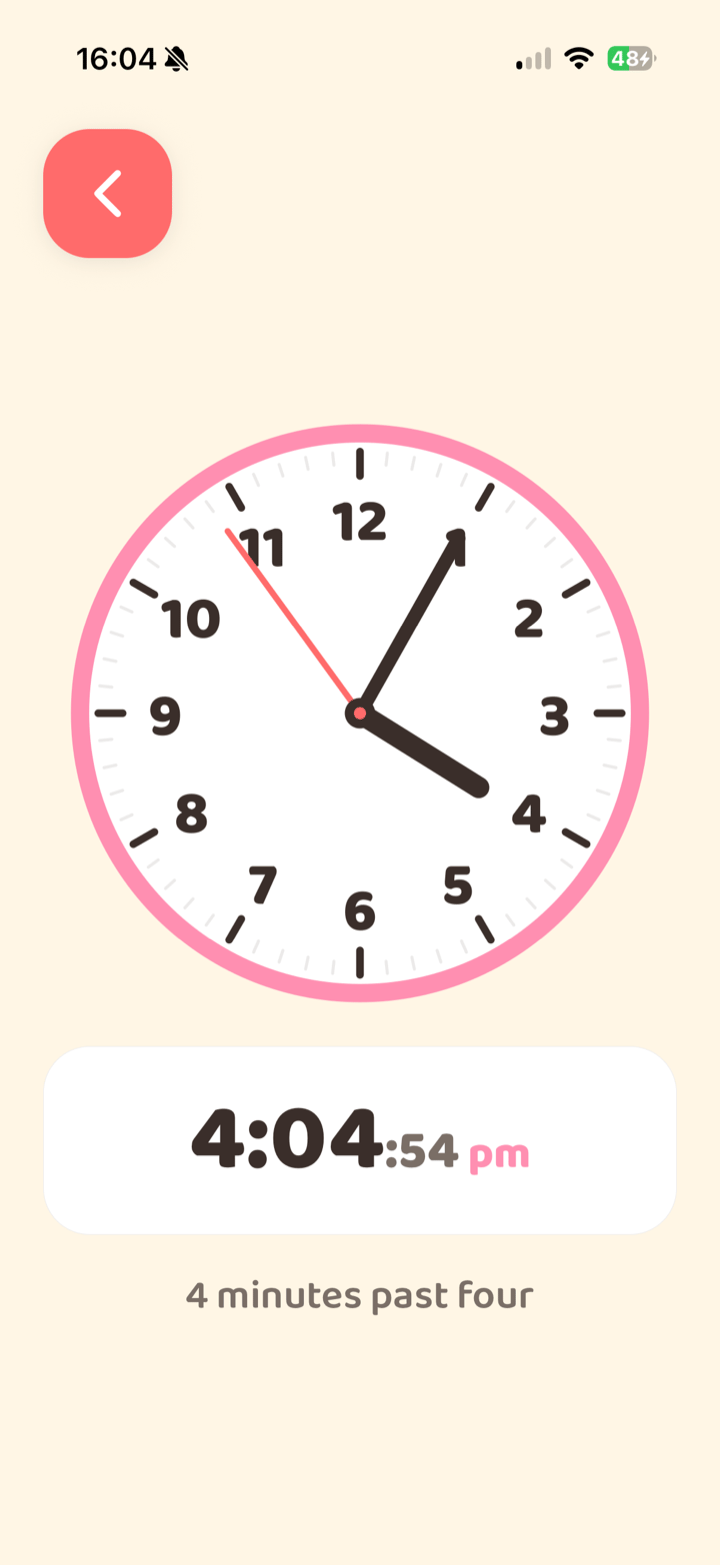
- Clock
- Timer
- Calculator
Made for peace of mind
Private & offline
No accounts, no internet, no way out to the web. Drawings and photos stay on the device.
Parent-protected
A PIN-locked settings screen lets you choose which activities show and mute all sound.
No ads or in-app buys
No advertising and no in-app purchases — and nothing to delete by accident.
Frequently asked questions
What age is KidPad for?
KidPad is designed for young children aged roughly 2 to 6. The big, colourful buttons and simple pretend-play activities suit toddlers and preschoolers who are still learning to tap, swipe and explore on their own.
Is KidPad safe for kids?
Yes. KidPad has no ads, no in-app purchases, no accounts and no links out to the web, so there is nothing for a child to stumble into. A PIN-locked settings screen lets you choose which activities appear and mute all sound.
Does KidPad work offline?
Completely. KidPad runs fully offline and never connects to the internet, so you can hand it over on a plane, in the car or anywhere with no signal — and know nothing is being sent anywhere.
Does KidPad collect any personal data?
No. KidPad collects no personal information and has no analytics or tracking. Anything created in the app — drawings, photos and settings — stays on the device and is never uploaded. You can read the full details on our privacy page.
Is KidPad free?
KidPad is a one-off download with no advertising and no in-app purchases, so there is nothing to buy inside the app and no way for a child to spend money by accident.
What devices does KidPad run on?
KidPad is available for iPhone and iPad on the App Store, and for Android phones and tablets on Google Play.
What can children do in KidPad?
KidPad has nine self-contained activities: drawing, a pretend camera and phone, a restaurant, trains and buses, a rescue game, a learning clock, a timer and a calculator. Each one is playful pretend-play that quietly teaches along the way.
Ready to explore?
Download KidPad and hand it over with confidence.